Sculpting in Blender is notoriously bad and not user friendly. Everyone who does sculpting regularly will tell you to bite the bullet and either buy or pirate a proper sculpting software like Zbrush. I'm one of those people. But lets be realistic. Not everyone, including myself, has the patience to learn or pay for Zbrush or its similar programs. So, to blender sculpting we go.
For this tutorial and subsequent Blender tutorials, ill be working on a commission, so apply this knowledge to your own creative projects, dont bother following step by step.
Elastic Snake Hook
/ Elastic Grab
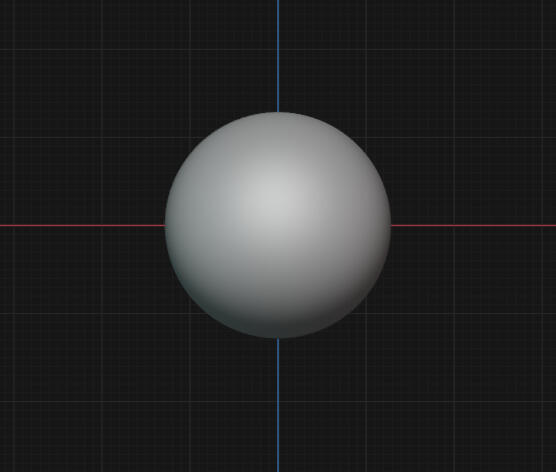
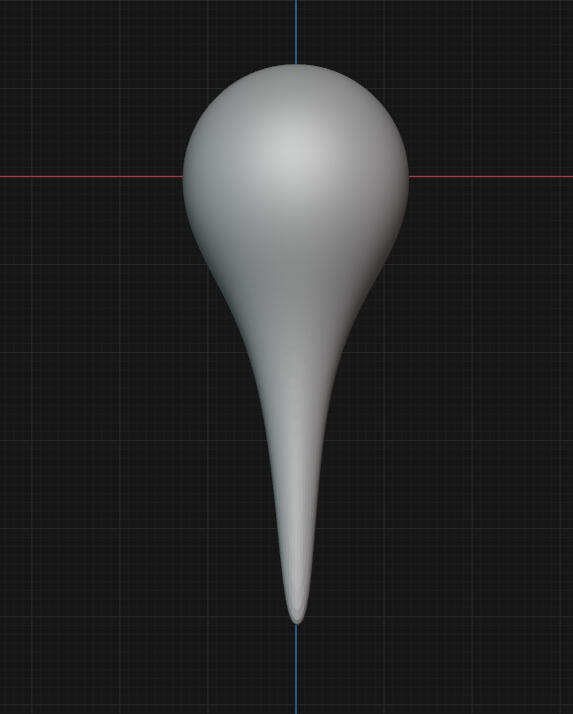
I always start with the Elastic Snake Hook, as it gives me a good point of direction, though i always have to remesh over and over again while using it. This is fine, as its a part of the process while sculpting with blender.
Elastic Grab does much the same thing, though with a wider point of grab
Inflate/Deflate
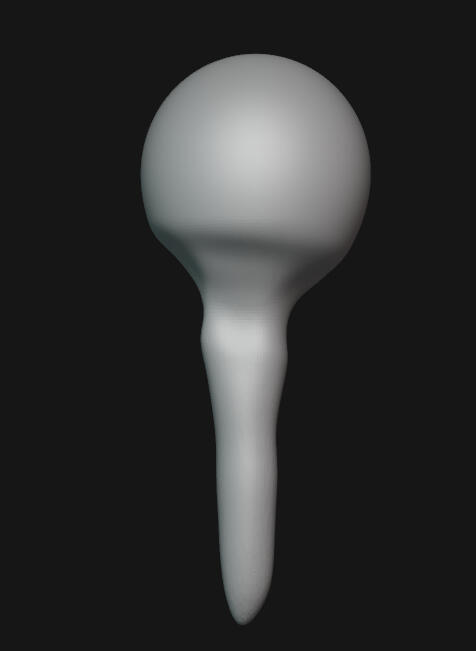
I Use Inflate/Deflate for controlled smooth changes in the sculpt that i dont want detail for. This allows me to make generalized changes to the shape without adding or removing too much details. Or, in this case, adding space to polygons to force the remesh to take on a shape it otherwise wouldnt.

Grab
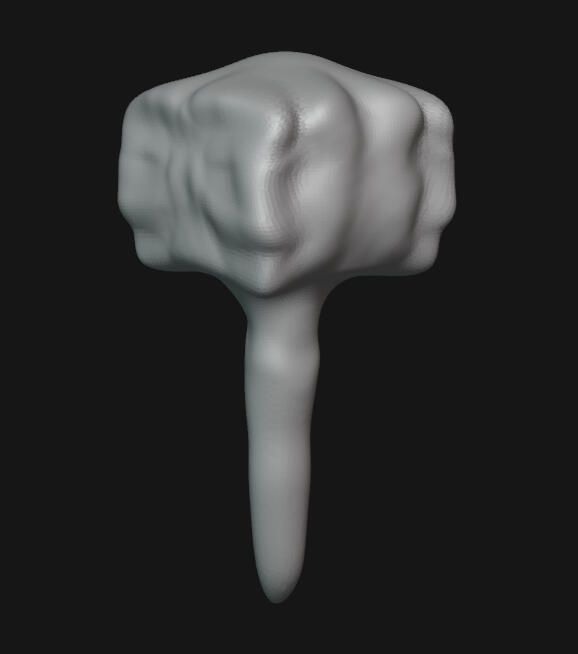
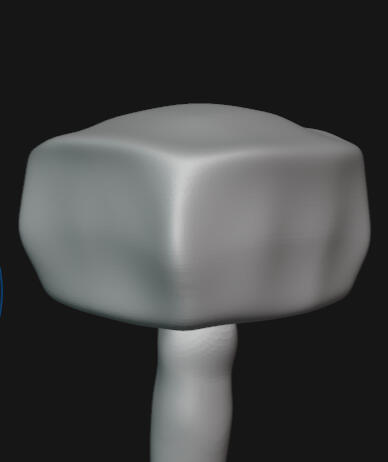
I Use Grab to pull the Shape into a more defined form i want. For this example, im making a Roblox arm, and i want this arm to appear more blocky. so im grabbing the form and pulling it to appear more Square.

Smooth/Scrape
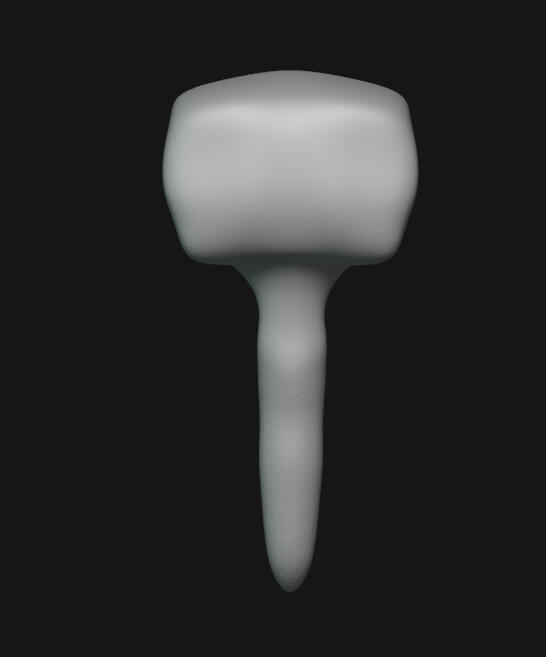
I Use Smooth/Scrape for the same purpose, though in different methods, to finalize a shape i like. In this case, I like the Shape im creating for this robotic arm, but its too.... ew. One quick over smoothing and a little squishing gets this blocky ew shape into a shape i like much more.

Draw/Draw Sharp/Crease Polish
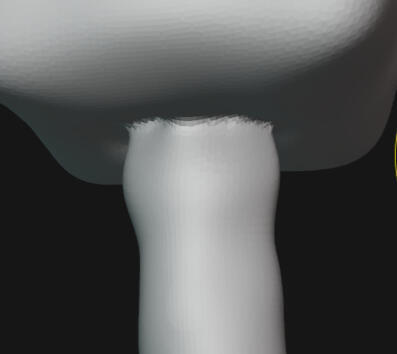
I Use These three pretty interchangably, as they are counter balances to eachother. One adds, the other two subtract, but they detail eachother. For right now, im using Draw sharp to add an edge to the bottom of the arm., then ill use Crease Polish in Add mode to pull a corner on the block.


Blob/The Clays
I dont use Blob/The Clays very frequently, as i see them as mostly detail use. Blob works similarly to Inflate, though with a much more limited range of creation. This results in placement after placement after placement. Im not a fan.
Clay feels not all to dissimilar to sculpting with literal clay, pushing and molding the elastic mold with a stick. Its not pleasant to use.
Clay Strips i frequently use for Hair Detailing, as it lays down a Stripe of square fall off form that looks good as a hair form in small layers. Not good for general use IMO.
Clay Thumb is good for Organic use such as Scales or Water, but other than that, i struggle to see a use. It moves in such a way that i struggle to mantain a good control of the form im crafting. I Quite Dislike it.
Other Grabs
Grab 2D is a useful tool in limited circumstances. It feels like a liquify tool, though that isnt very useful in a 3D field in my experiance.
Grab Silhouette feels not too dissimmilar to Grab 2D, though with a far more limited use case, as it only affects the faces perpindicular to the user. I do not see a particular Use Case for this, and have never used it beyond testing.
Nudge is useful in texturing in the same way Clay Strips is, though without adding Volume to the Piece. It also allows you to more closely control the topology of a piece after you retopologise, which i quite like. One of the better Selective Use Cases.
Pinch/Magnify is a retopology tool more so than a sculpting tool IMO.
I have NEVER seen a use case for Pose. Its simply too finicky and doesnt do what it states it does in its description.
Pull is just a worse version of Elastic Snake Hook and Elastic Grab. Too quick of a fall off and too large of a grasp.
Other Reds
Fill/Deepen is not very useful as it seems to only do what you want it to half the time. It doesn't recognize curved edges, doesn't recognize deep gouges, and fills to higher points on large points you want to smooth over. Its genuinely easier to use a different tool.
Flatten/Contrast is a good layering tool that i regularly use for building up small layers on things like clothes, such as emblems, Ruffles, and other such detail work. Though thats a rather specific use case.
Plateau, while it is not of use to me, would work FANTASTIC for those of you making terrain. It takes the highest point, then pulls a flat plane from it, creating- you guessed it- a plateau. Fantastic little tool. I love him very much.
Scrape Multiplane, while having potential, doesnt really do it for me. It seems to grasp the wrong plane when trying to plane out, causing weird gouges that are difficult to clean up. For me, its easier to use Crease Polish in add mode, then smooth and grab as needed. Its not perfect, but it feels more controlled than what Scrape Multiplane gives me.
Trim. I dont like trim. I have never used trim beyond testing. Bad brush.
I will not be covering Simulation tools such as Cloth Simulation At this time.
i still dont understand that shit.